
Production-ready Expo &
React Native starter kit
Ship your app—not the boilerplate around it.
A production-ready Expo + React Native foundation with authentication, subscriptions, notifications, analytics, security, theming and release infrastructure already built in.
One-time purchase · Full source code included · Unlimited apps and client projects
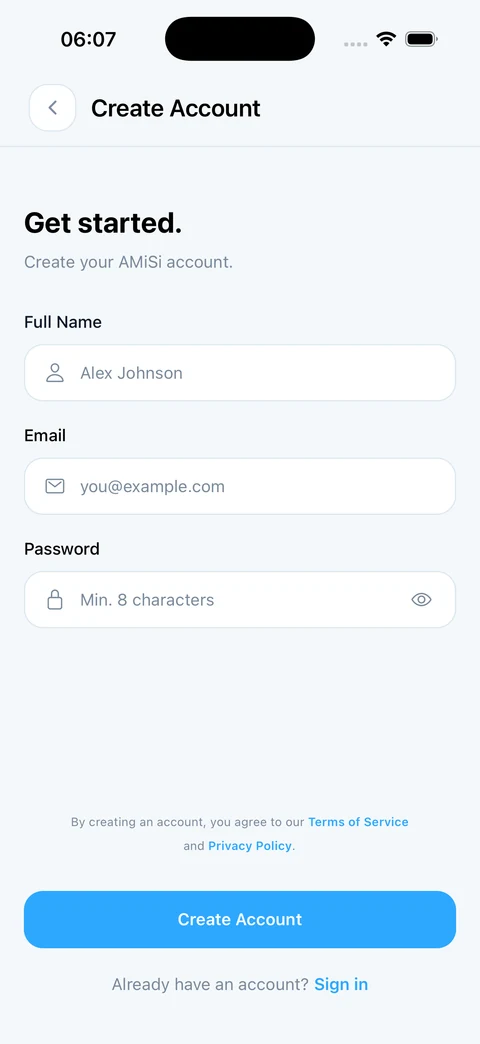
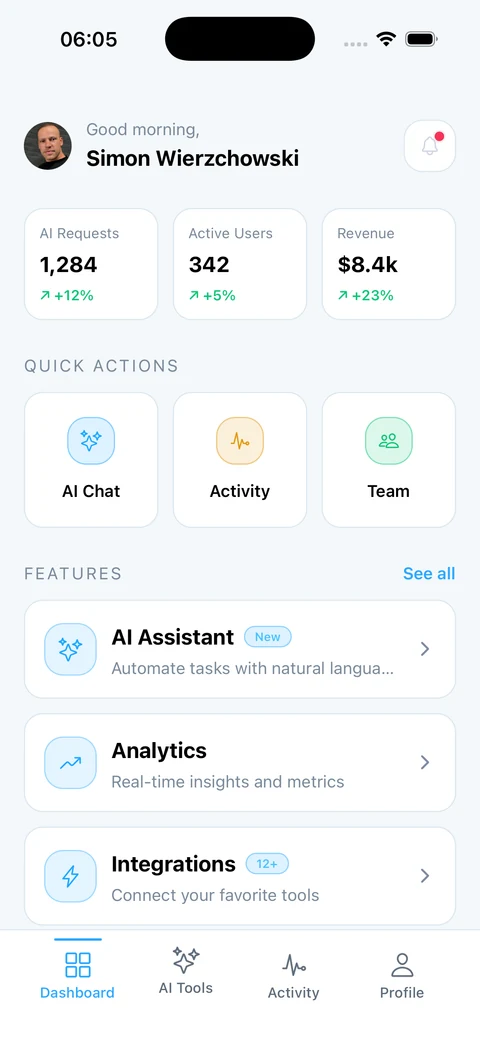
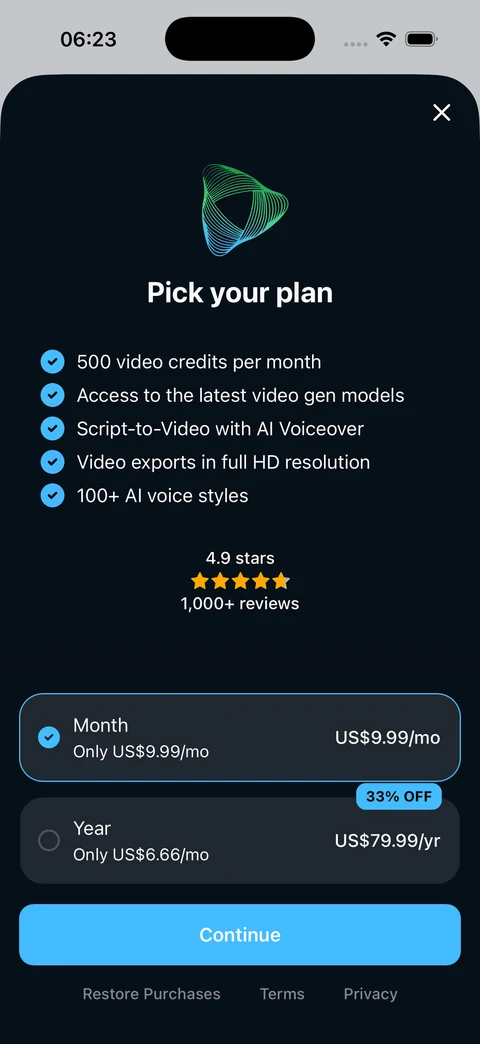
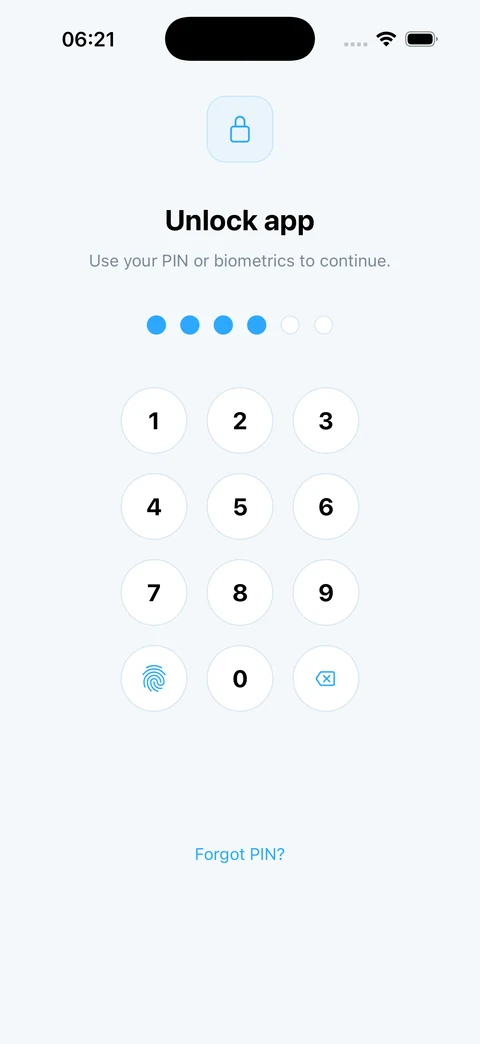
$ bun install$ bun run ios # or bun run android$ connect your services once → start building the product
Your next app should not start with another month of setup.
Every mobile project repeats the same foundation before a single feature exists. It is necessary work, and it is the same work every time.
From scratch
- Scaffold the project and pick a router
- Wire auth, then Apple and Google separately
- Integrate the billing SDK, then debug sandbox purchases
- Add push, then chase permission and token edge cases
- Split dev / preview / production config
- Configure EAS, signing and store metadata
- Start on the actual product
Roughly four to six weeks before the first feature that is actually yours.
With Mobile Starter
- Generate your private project from the template
- Connect your Firebase, RevenueCat and notification accounts
- Apply your name, branding and theme
- Run the native build and verify the included flows
- Start on the product only you can build
Same destination. You start at step four. The remaining work is product work.
Do not take our word for it. Use it.
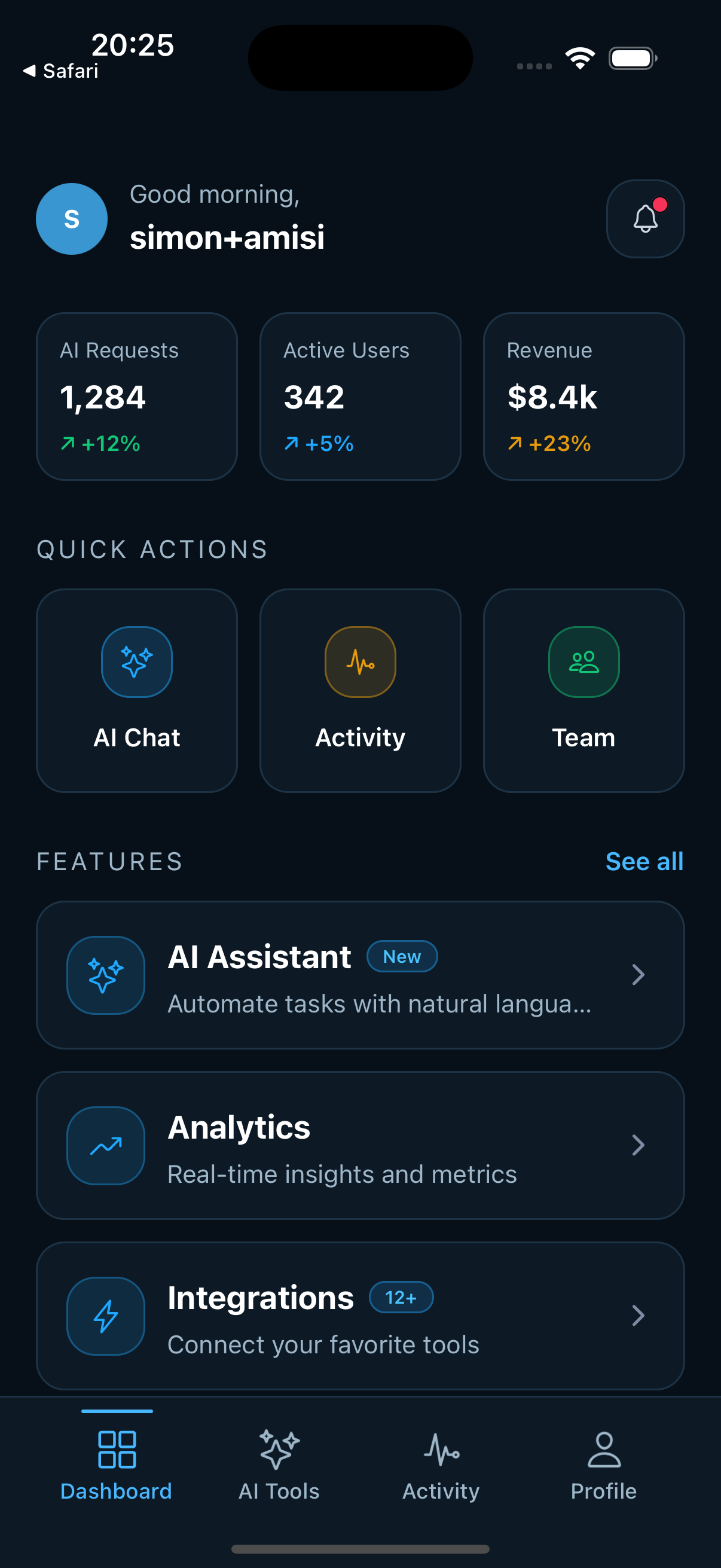
The frame below runs the React Native for Web build of a demo app made with the starter — the same components and flows you receive, compiled for the browser. Tap through auth, onboarding, the paywall, app lock and the rest.
Email and password with inline validation and a strength meter, plus Apple and Google. Firebase restores native auth state when the app launches.
The app is live — tap through it in the frame.
Biometrics, store purchases and push delivery require a native device, so those steps are simulated in the browser.
Run it on your own iPhone.
Try the same app as a native TestFlight build, including device-only flows such as Face ID and PIN unlock. Purchases and push delivery depend on the beta build's current provider configuration. Beta build, iOS only.
From clone to production, faster.
Start with scalable architecture, proven tooling and native apps that build from day one.
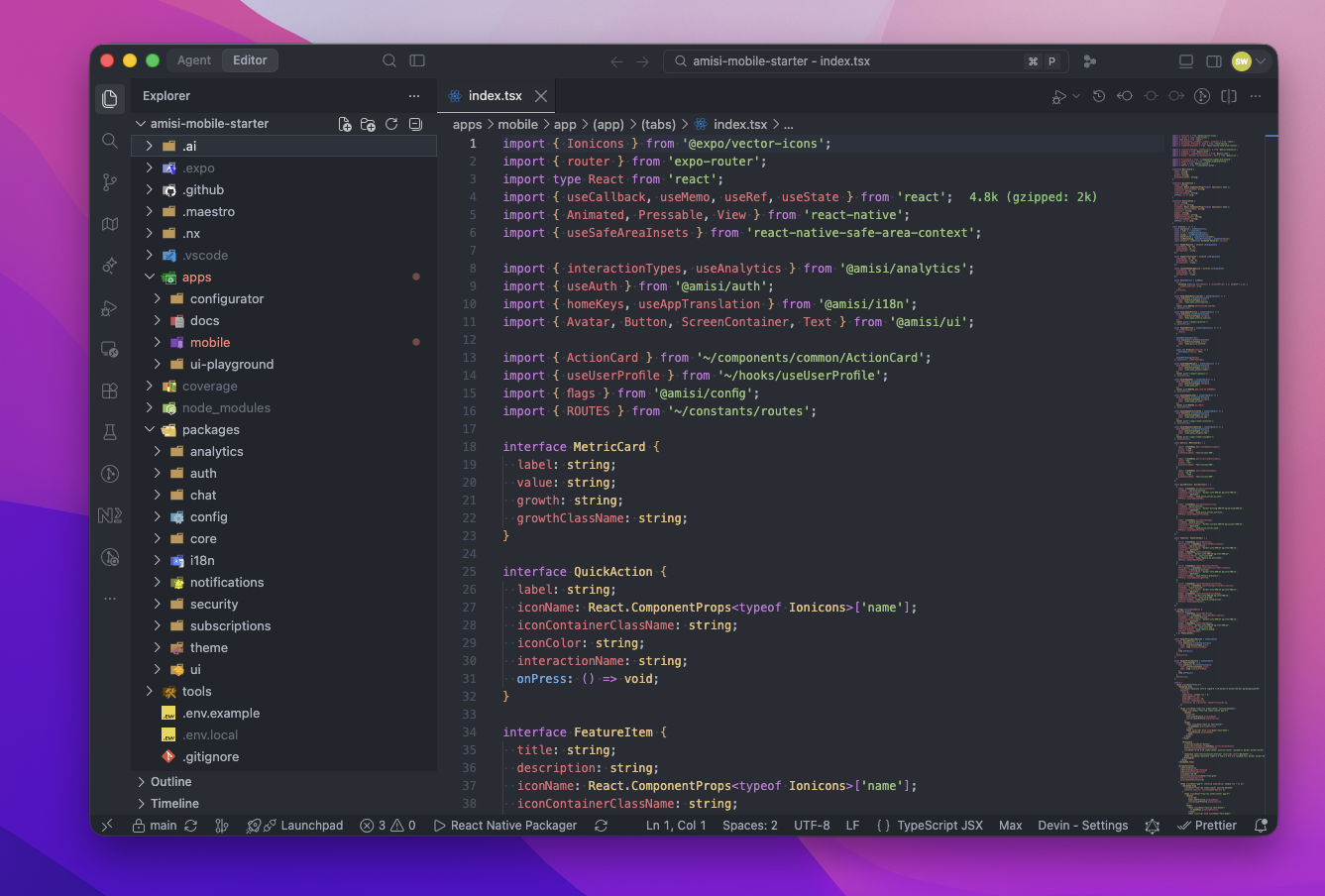
Every sign-in flow, ready to ship.
Give users secure, polished ways to create an account, return and recover access.
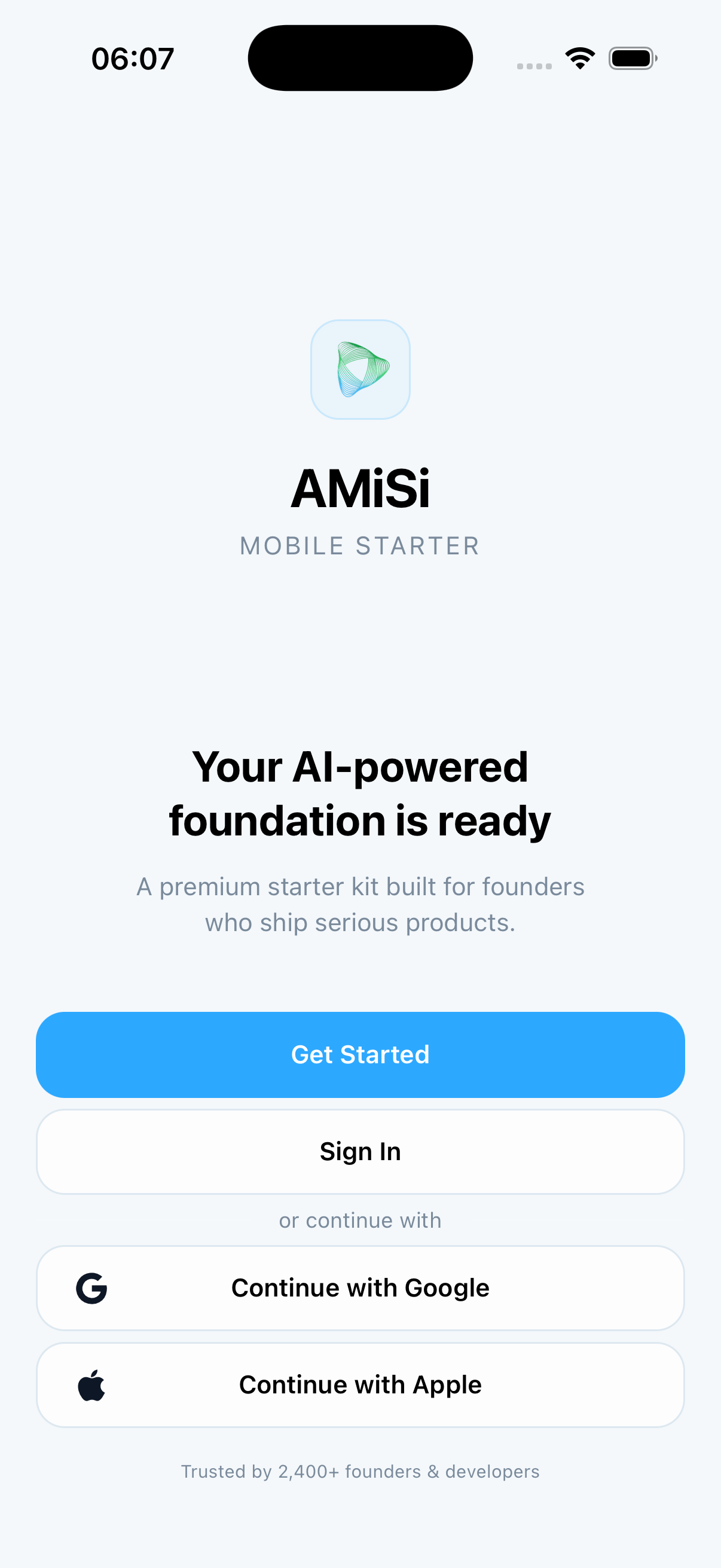
Start monetising without starting over.
Launch subscriptions with a native paywall and RevenueCat infrastructure already connected.
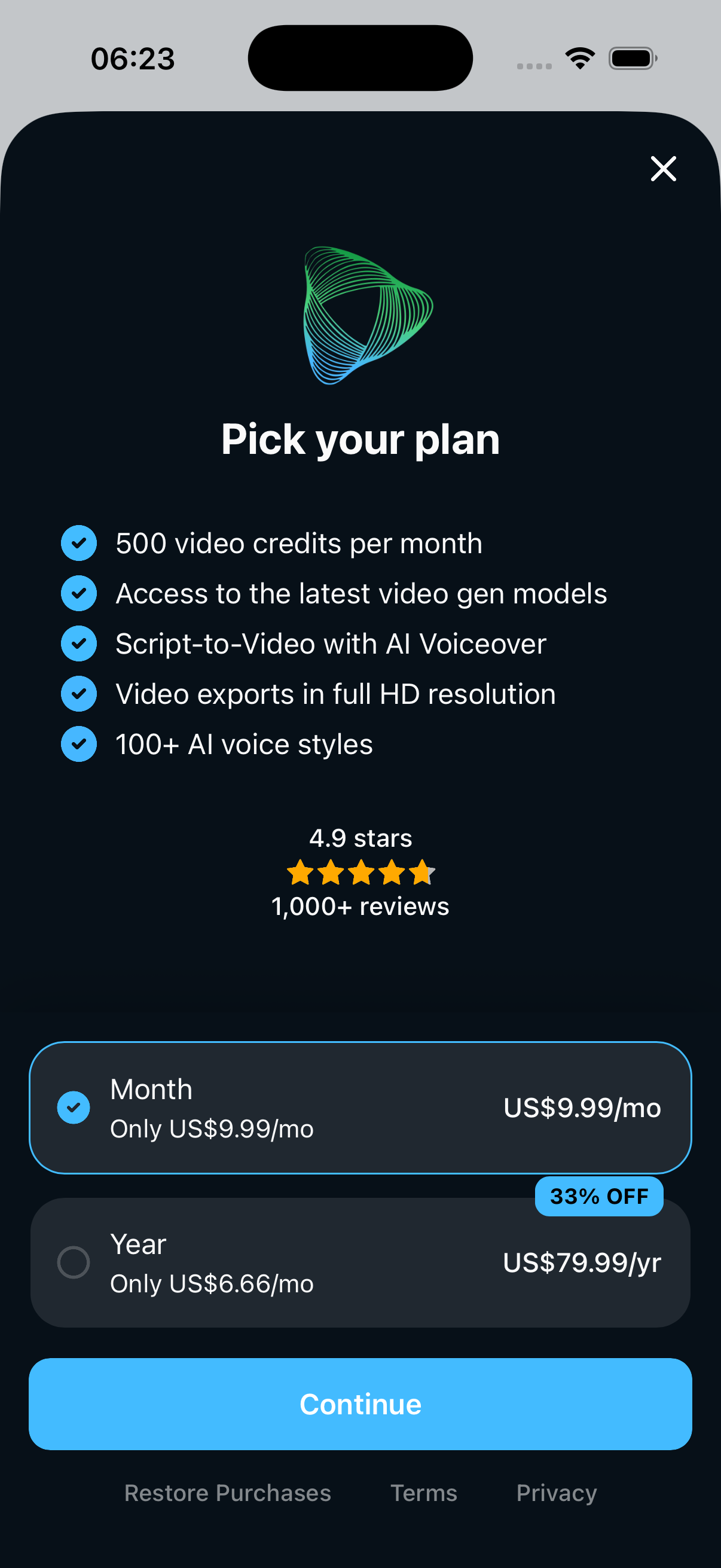
Make it yours. Keep shipping at speed.
Shape your brand with shared tokens, reusable components and guidance your whole team can follow.
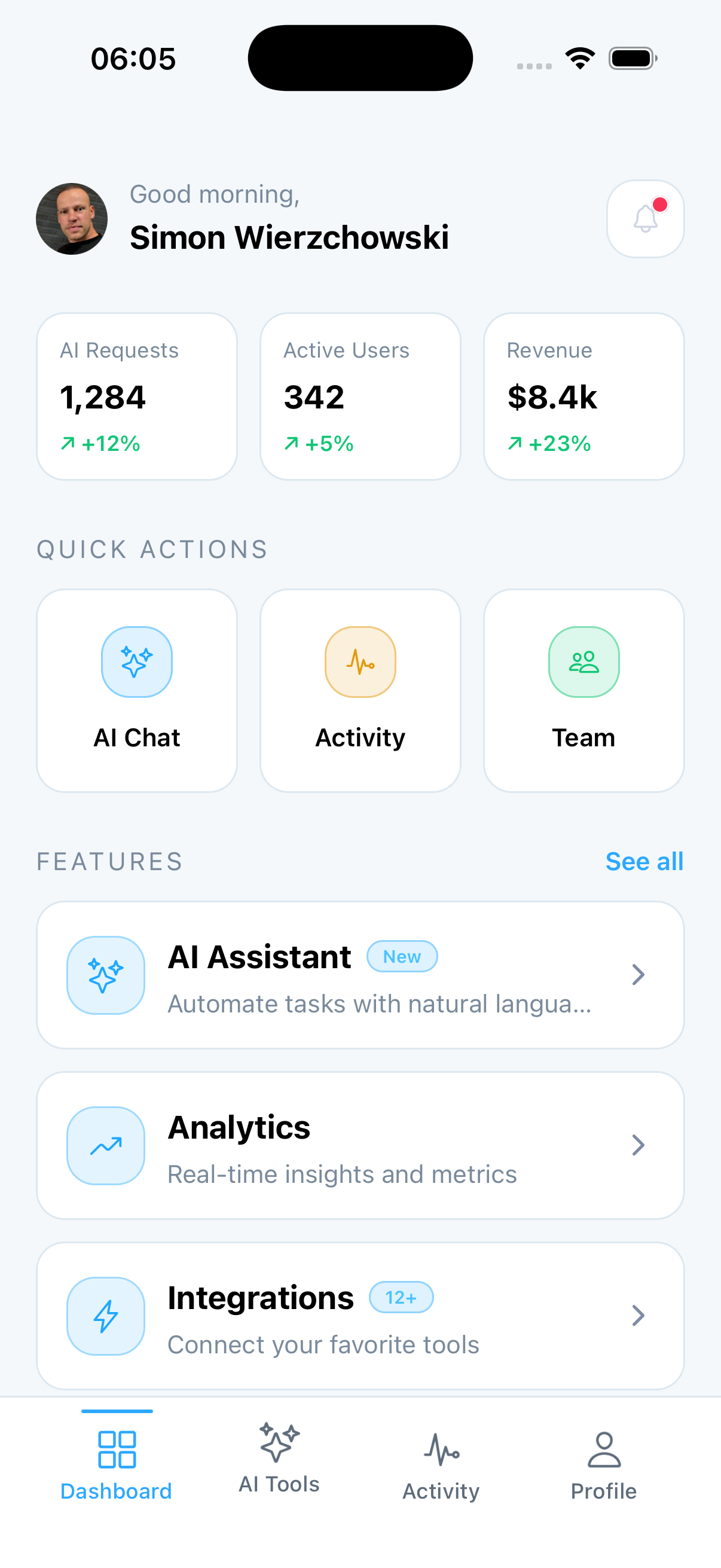
Launch with the tools to keep growing.
Learn from user behaviour, answer customer questions and turn releases into momentum.
Ship confidently. Know when something breaks.
Catch production failures quickly and protect the journeys that drive activation and revenue.
The starter costs less than three hours of senior mobile engineering.
Below is an estimate of the foundation work already represented in the starter, based on typical setup time for each area. It is an engineering-effort comparison, not a guarantee — your team, scope and standards will move these numbers.
Estimated hours for a senior React Native developer building each area to a production standard, including the debugging that follows.
Rates are yours to set. The comparison holds at any realistic one.
Get the complete starter from $219 once.
No subscription, no seat renewal. Full source code and documentation.
Could you build all of this yourself?
Absolutely.
The question is whether that is where your next hundred hours should go.
None of this is beyond a competent React Native developer. Auth, entitlements, push tokens, keychain access, build profiles — all of it is documented, and all of it is work you have probably done before.
What you are buying is not capability. It is the accumulated set of decisions already made and debugged: which library, which boundary, what happens when the token refresh fails, how the paywall behaves on restore, where the environment split lives.
The code is the smaller half. The decisions are the rest.
Three reasons people buy the same thing.
Stop rebuilding the same foundation for every client.
- Start client work at feature one
- More predictable estimates
- Higher effective hourly margin
- One architecture you know well
- Less unbillable setup
Standardise where your mobile projects start.
- Consistent architecture across teams
- Faster developer onboarding
- Less per-project setup
- Lower architectural variance
- Shorter delivery timelines
Spend engineering time on the idea users pay for.
- Get your first version in front of users sooner
- Put the budget into product features
- Start with subscriptions, auth and analytics planned
- Give your developer a structured starting point
- Avoid rebuilding the foundation when the MVP grows
Where it sits next to a UI kit or a boilerplate.
Compared at the category level, since individual products vary. A dash means it depends on which one you pick.
| Capability | AMiSi Mobile Starter | UI kit | Typical boilerplate |
|---|---|---|---|
| Real, connected app flows | Included | Not typically included | Varies by product |
| Authentication incl. Apple + Google | Included | Not typically included | Varies by product |
| Subscription + paywall foundation | Included | Not typically included | Varies by product |
| Push notification architecture | Included | Not typically included | Varies by product |
| PIN and biometric app lock | Included | Not typically included | Not typically included |
| Analytics behind a typed interface | Included | Not typically included | Not typically included |
| Environment separation | Included | Not typically included | Varies by product |
| EAS build and release config | Included | Not typically included | Varies by product |
| Swappable integration adapters | Included | Not typically included | Not typically included |
| Unit, component and E2E setup | Included | Not typically included | Varies by product |
| Written documentation | Included | Varies by product | Varies by product |
| Monorepo with feature boundaries | Included | Not typically included | Not typically included |
A codebase your coding agent can navigate.
Coding tools fail when the project gives them nothing to anchor on: implicit types, five ways to do the same thing, files that could be anywhere.
- Predictable file paths and package names
- Explicit types on every module boundary
- Small modules with a single responsibility
- Low coupling between features
- Documented conventions the agent can read
The benefit is better context and fewer architectural guesses. Nothing here writes your app for you.
# Ask for a feature, not a scaffold

"Add a referral code field to sign-up.
 Follow the existing sign-up validation pattern
 and surface errors through the shared
 Input component."
Because the boundaries are named and typed, a prompt can reference them directly. The agent edits inside one package instead of inventing a parallel structure somewhere else in the tree.
See what you are buying before you buy it.
This is source code, delivered instantly. You should be able to judge it first — none of this needs your card details.
Run the live demo
The web-compatible starter flows, running on this page. No sign-up.
Go to the demo →Install the TestFlight beta
The native build on your own device, where biometrics and purchases work.
Join the beta →Ask before you buy
Public GitHub discussions on product fit, scope and what is coming next.
Open discussions →The public repository is a README and documentation preview, not the source — the source is what you are buying. Still unsure about a specific part of the architecture? Book a walkthrough and be shown the repository directly.
Written by someone who ships production mobile apps.

Simon Wierzchowski has spent more than ten years building production web and mobile products. He led React Native development on Shell Fleet, a mobile application of over 150 screens, spent four years at Heycar where he led checkout development, and has delivered production React Native work for products including Pickswise.
AMiSi Mobile Starter exists because that same foundation kept getting rebuilt on real client work, with the same decisions made each time. This is that foundation written once, with the parts that caused problems in production already fixed.
- Run the live product on this page
- Install the TestFlight beta on your device
- Read the public documentation
- Ask in the public discussions
- Book a walkthrough and see the repository
Client and agency references are available on request during a walkthrough.
One-time purchase. You own the source.
Less than three hours of senior mobile engineering, for a foundation representing weeks of setup work.
Basic
Ship faster with the essentials. No early-access perks.
- Production-ready Expo + React Native foundation
- Authentication, push adapters, and EAS release baseline
- Modular monorepo structure
- Navigation guards and onboarding flow
- Analytics and crash reporting integration patterns
- Theme tokens and UI system foundation
- Community Discord access
Pro
RecommendedEarly access · 8 spots left
For solo founders who want priority support and early access.
- Everything in Basic
- Early access to upcoming modules before public release
- Lifetime upgrades included
- Priority support in Discord
Team
Early access · 8 spots left
Best for product teams needing shared ownership and early access.
- Everything in Pro
- Early access to upcoming modules before public release
- Team-friendly licensing for multiple builders
- Priority onboarding support
- Faster response times
- Shared ownership for product teams
- Up to 5 seats included
Enterprise
Custom licensing, SLA-backed support, and governance-ready onboarding.
- Everything in Team
- SLA-backed support
- Procurement-friendly invoicing
- Security and governance onboarding
- Dedicated support workflows
- Custom contractual terms
- Enterprise-ready packaging
Seat counts, client-project use and transfer rights are set out in the licence terms. Agencies needing a company-wide arrangement should start with Enterprise, and you can book a walkthrough before deciding.
From checkout to a running project.
One-time checkout. No subscription, no seat renewal.
Instant access via the GitHub template — generate your own private project in a few clicks.
Setup, provider configuration, architecture notes and per-module guides.
Replace project IDs, native service files and provider keys, then create and verify an iOS or Android development build.
Community access on Basic. Priority response on Pro and Team.
The things people ask before buying.
Product
Is this a UI template or an application architecture?
An architecture. Screens are included, but the value is the wiring underneath them: adapters, guards, entitlements, environments, build profiles and tests.
Who is this for?
React Native and Expo developers, freelancers, agencies and technical founders shipping a real app to the App Store and Play Store. You should be comfortable reading and editing TypeScript.
Is this suitable for beginners?
It is not a tutorial. If this is your first React Native project you can still use it, but expect to spend time reading the code and documentation. Developers who have shipped at least one app get the most out of it.
Which integrations are already configured?
RevenueCat for subscriptions, OneSignal for push, and Firebase for auth, analytics and crash reporting are already integrated behind typed adapters. Connect your own provider accounts and keys using the included setup guides.
Does it work on iOS and Android?
Yes, both, from one codebase, with build profiles configured for each.
Licence and purchase
What is the difference between the tiers?
Basic is the complete starter source as it stands on the day you buy it, with documentation. Pro adds early access to upcoming modules, lifetime upgrades and priority support. Team covers multiple builders with shared ownership and priority onboarding. Enterprise covers custom licensing, procurement and governance.
Do I receive updates?
Pro and Team include lifetime upgrades, so you keep receiving fixes, improvements and new modules as they land. Basic is a snapshot: the build you buy is the build you keep.
Can I use it commercially?
Yes. A licence is one developer seat, and that seat can build unlimited apps and products, commercial ones included. You may ship the compiled apps to clients. You may not redistribute, resell or transfer the starter source itself.
Can agencies reuse it across client projects?
Yes — client projects are covered, and there is no cap on how many. The limit is per developer: each additional developer working with the source needs their own seat, which is what the Team tier covers. Enterprise handles custom licensing and procurement.
What happens immediately after purchase?
You receive instant source access via the GitHub template and documentation access, so you can generate your own private project and have it running the same day.
Is there a refund policy?
Because this is source code delivered immediately, refunds are handled case by case. Inspect the demo, the docs or a walkthrough before purchasing.
Technical
Can I replace Firebase, RevenueCat or OneSignal?
Yes. Typed interfaces keep screens provider-independent, so a vendor change stays focused on one adapter boundary and its native setup instead of touching product flows throughout the app.
Do I need Expo experience?
Some helps. The project uses Expo Router, EAS builds and config plugins. If you have used bare React Native, the concepts transfer in a day.
How difficult is customisation?
Shared tokens make colours, control sizes and light/dark modes fast to rebrand. Clear package and route boundaries also make it straightforward to extend or remove capabilities for your product.
Can I inspect the source before buying?
Not the full source — that is what you are buying. What you can do first: run the live demo on this page, install the TestFlight build on your own device, read the public documentation, and book a walkthrough where the repository is shown to you directly on screen.
Why should I not just build this myself?
You could. The question is whether your next hundred hours are better spent on infrastructure every app needs or on the part of the app only you can build.
Build the part of your app that makes it yours.
Authentication, subscriptions, notifications, analytics, security and release foundations are already waiting.
One-time purchase · Full source code · Unlimited apps and client projects